
A few years ago, I was buried under endless emails, reports, and meetings. Then I discovered AI tools that could automate nearly everything.
Now, 80% of my work is handled by AI — from writing and design to payments and scheduling. These are the exact AI tools and workflows I use daily to keep my business running automatically.
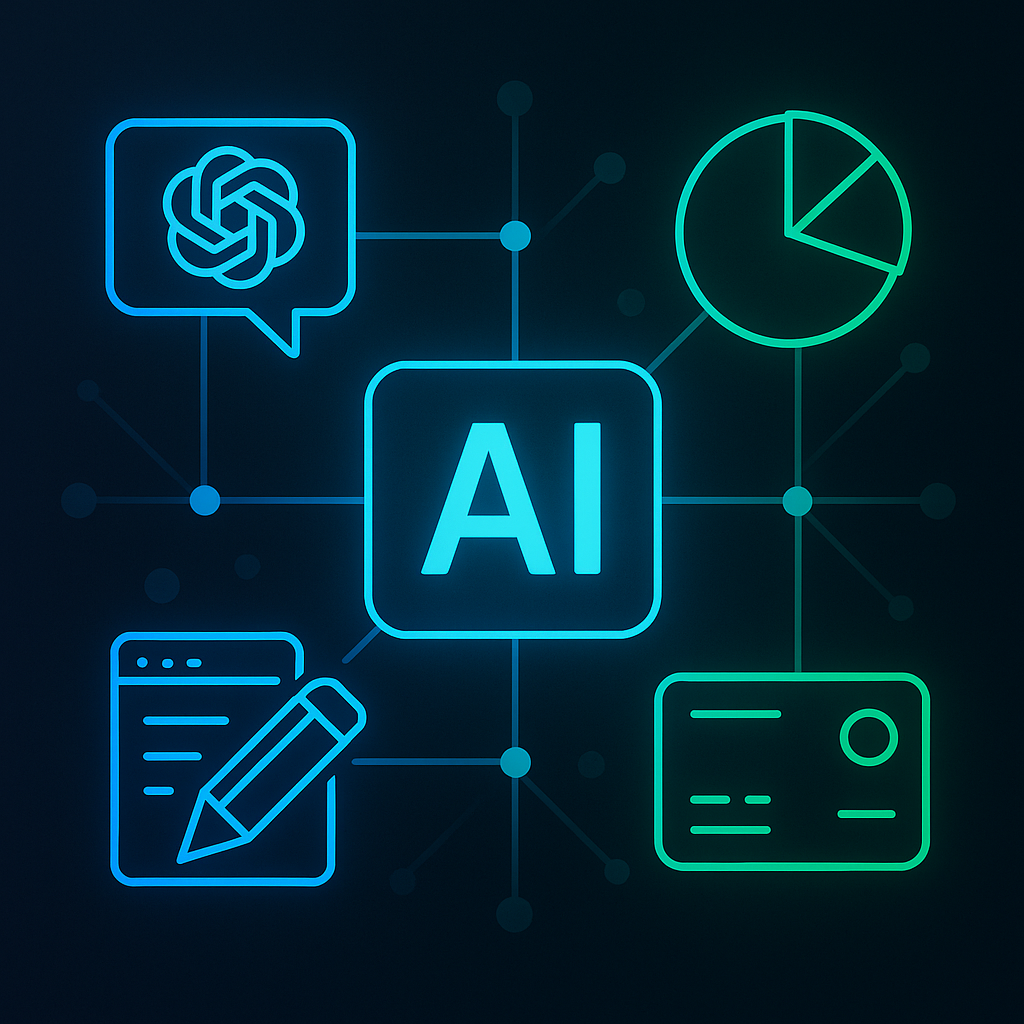
1. ChatGPT — My Core AI Assistant
If I had to keep just one tool, it would be ChatGPT, the AI assistant that helps me write, plan, and communicate faster.
I use ChatGPT AI to:
– Write emails and client updates
– Draft blog posts and ad copy
– Summarize long reports
– Rewrite messages with the perfect tone
Example prompt:
“Write a concise, friendly project update for a client with clear next steps and a positive tone.”
This single AI workflow saves me 2–3 hours daily — easily.
2. Make.com — The Brain Behind My AI System
Make.com connects all my AI tools into one cohesive workflow. It’s the automation engine that keeps everything running 24/7.
I use AI automations like these:
- New client form → triggers ChatGPT → creates personalized welcome email.
- Make.com sends it automatically → logs data into Notion AI.
- Stripe sends invoice and confirms payment.
| Workflow | Result |
|---|---|
| AI email generation | Instant client onboarding |
| Blog automation | Auto-publish to WordPress |
| Report scheduling | AI-written weekly reports |
Once set up, this AI-powered workflow never stops.
3. Ideogram — My Visual AI Generator
Creating visuals used to take hours — now, AI image generation makes it effortless.
Ideogram AI turns text prompts into stunning visuals, perfect for my blog, social media, or presentations.
Example prompt:
“Generate a minimalist tech-style illustration showing AI systems running a digital office.”
Now, every banner, thumbnail, and ad visual comes from AI design tools — perfectly branded and consistent.
4. Notion AI — My Digital Brain
Notion AI is where I organize everything — projects, clients, and workflows.
It helps me keep my entire AI business system clean and centralized.
I use Notion AI to:
– Summarize meeting notes
– Prioritize projects
– Generate to-do lists
– Draft proposals automatically
| Task | Manual Time | With AI |
|---|---|---|
| Weekly planning | 1 h | 10 min |
| Note cleanup | 30 min | Auto |
| Brainstorming | 45 min | 10 min |
It’s like having a personal AI manager watching over your entire week.
5. Perplexity AI — My Research Engine
When I need real data and fast answers, I go to Perplexity AI.
It’s more accurate and source-based than traditional search engines.
I use Perplexity AI to:
– Research trends for my AI articles
– Compare competing AI tools
– Gather verified stats for presentations
Example:
Instead of Googling “best AI productivity tools,” I ask Perplexity — it gives me verified sources instantly.
6. Canva Magic Studio — AI-Powered Design
For design and branding, Canva Magic Studio AI gives me agency-level results without hiring designers.
It uses AI-powered templates and brand rules to generate professional graphics in seconds.
I pair it with ChatGPT AI (for text) and Ideogram AI (for visuals) to build an automated content system.
| Process | Tool | Time Saved |
|---|---|---|
| Ad design | Canva AI | 2 h |
| Copywriting | ChatGPT AI | 1 h |
| Posting | Make.com AI | 1 h |
7. Stripe — Automated AI Billing
Money should flow automatically too.
Stripe connects with Make.com to manage all my invoices and payments.
Here’s how my AI payment system works:
– New client signs → Make.com triggers Stripe.
– Stripe bills the client and sends a confirmation email written by ChatGPT AI.
It’s seamless, hands-free income management.
My Weekly AI Workflow Setup
| Category | AI Tool | Time Saved |
|---|---|---|
| Writing | ChatGPT | 4 h/week |
| Visuals | Ideogram + Canva AI | 3 h/week |
| Research | Perplexity AI | 2 h/week |
| Planning | Notion AI | 1 h/week |
| Billing | Stripe + Make.com | 1 h/week |
Total time saved: ~10–12 hours weekly.
AI doesn’t just make my work faster — it makes it lighter and smarter.
Why My AI Stack Works
The power isn’t in one tool — it’s in the way they communicate.
Each AI system feeds the next:
- ChatGPT creates →
- Make.com sends →
- Notion AI tracks →
- Stripe bills →
- Perplexity AI improves →
- Canva + Ideogram design → repeat automatically.
It’s not magic — it’s just smart automation.
Conclusion
AI isn’t replacing creativity; it’s amplifying it.
When you build your own AI ecosystem, your business starts working for you — not the other way around.
Start small, connect two tools, and expand from there. Soon, you’ll realize something powerful:
You’re not managing tasks anymore — your AI tools are managing you.
Further reading: