
When I first started using AI, I just wanted to save a few hours a week.
I didn’t plan for it to completely take over my job — but that’s exactly what happened.
Within months, I built a system of AI tools and automations that handled everything I used to do manually: writing, client updates, reports, and even billing.
Here’s how it happened, what worked, and what didn’t — the real truth behind letting AI automate 100% of my daily job.
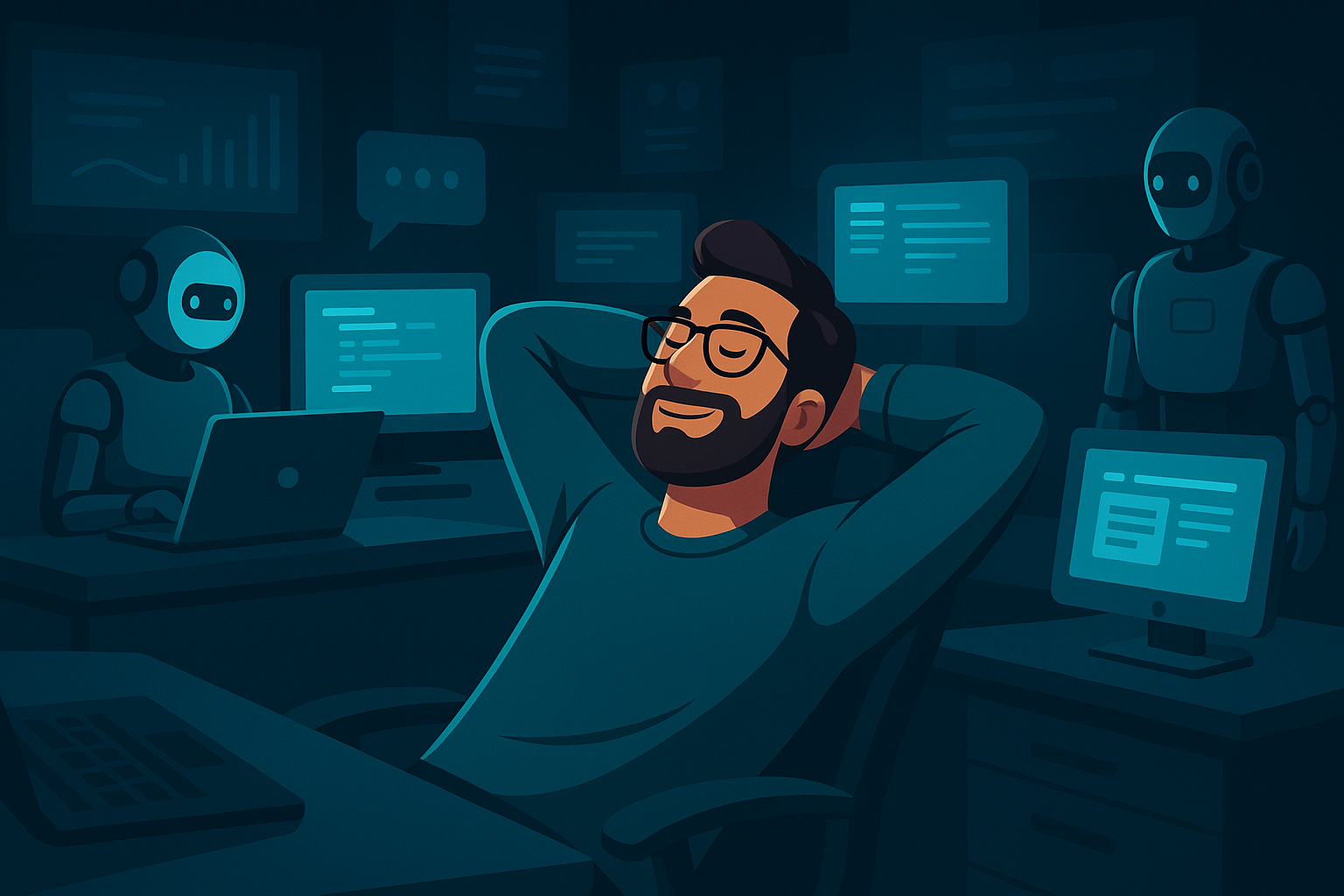
Step 1 — I Let AI Handle the Boring Work
It started small. I used ChatGPT AI for emails and meeting summaries, just to lighten my load.
Then I realized something: AI could write, plan, and decide faster than I could.
Soon, it wasn’t just handling tasks — it was running workflows.
| Task | Before AI | After AI |
|---|---|---|
| Writing reports | 2 h/day | 10 min |
| Scheduling | Manual | Auto |
| Data research | 1 h/day | Auto |
| Client replies | 1–2 h/day | Instant |
| File organization | 1 h/day | Auto |
By the end of the first month, AI was doing more than half my work — perfectly.
(🔗 Enlace externo) ChatGPT Official
Step 2 — I Connected Everything with Make.com
The breakthrough came when I discovered Make.com, the tool that connects every app I use.
I created workflows like:
– When a client emails me, ChatGPT AI drafts the reply.
– Make.com sends it automatically.
– Notion AI logs the message and updates the project.
| Workflow | Tools | Result |
|---|---|---|
| Client emails | ChatGPT + Make.com | Instant replies |
| Reports | Perplexity AI + Make.com | Auto summaries |
| Billing | Stripe + Make.com | Instant payments |
Suddenly, my entire job ran itself — day and night.
(🔗 Enlace externo) Make.com Official
Step 3 — I Replaced My “Creative Time” Too
At first, I thought AI could only handle repetitive work.
Then I tested Ideogram AI and Canva Magic Studio AI for design and branding — and everything changed.
I would give ChatGPT AI a short idea, and Ideogram created perfect visuals to match.
Canva’s Magic Studio AI refined them into brand assets instantly.
| Creative Task | Manual Time | AI Time |
|---|---|---|
| Visuals | 3 h/week | 10 min |
| Blog graphics | 2 h/week | Auto |
| Thumbnails | 1 h/week | Auto |
What used to take me hours now happens while I’m answering messages — or not even online.
(🔗 Enlace externo) Ideogram AI
(🔗 Enlace externo) Canva Magic Studio
Step 4 — AI Took Over My Reporting
Every Monday morning, I used to collect analytics, compare numbers, and prepare updates.
Now, Perplexity AI does it for me — and ChatGPT AI turns it into professional summaries.
The process looks like this:
- Perplexity AI gathers data overnight.
- ChatGPT AI writes a short report.
- Make.com emails it to me automatically.
| Tool | Function | Schedule |
|---|---|---|
| Perplexity AI | Collects data | 24/7 |
| ChatGPT | Summarizes | Daily |
| Make.com | Sends report | Every Monday |
When I open my inbox Monday morning, the work’s already done.
(🔗 Enlace externo) Perplexity AI
Step 5 — Automating Clients and Cash Flow
Next, I automated client onboarding and billing using Stripe and Make.com.
Now when a new client signs up:
– Make.com triggers Stripe to send an invoice.
– When payment is received, ChatGPT AI sends a thank-you email.
– Notion AI adds them to the client list automatically.
| Task | Tool | Automation |
|---|---|---|
| Invoices | Stripe | Auto |
| Payment confirmation | ChatGPT + Make.com | Auto |
| Client tracking | Notion AI | Auto |
Clients love it — responses are instant, and payments never slip through.
(🔗 Enlace externo) Stripe Official
(🔗 Enlace externo) Notion AI
Step 6 — AI Even Handles My Marketing
When I realized I could automate marketing too, everything changed.
Now, my content is generated, designed, and posted automatically.
Here’s my setup:
– ChatGPT AI writes posts and captions.
– Ideogram AI creates visuals.
– Make.com posts them on LinkedIn and Instagram.
– Perplexity AI tracks engagement and performance.
| Task | AI Tool | Frequency |
|---|---|---|
| Content writing | ChatGPT | Weekly |
| Visual design | Ideogram | Auto |
| Scheduling | Make.com | Daily |
| Analytics | Perplexity AI | Weekly |
My brand is active 24/7 — even when I’m asleep.
Step 7 — The Emotional Shift
Letting AI take over my job wasn’t just technical — it was emotional.
At first, I felt uneasy watching AI do everything better, faster, and cheaper.
Then I realized: automation wasn’t taking something from me — it was giving something back.
It gave me time, mental clarity, and the ability to focus on creativity and strategy.
I went from 45 working hours per week to less than 15 — and productivity doubled.
Real Example — My Weekly AI Workflow
| Category | AI Tool | Time Saved |
|---|---|---|
| Communication | ChatGPT + Make.com | 5 h/week |
| Reporting | Perplexity AI | 3 h/week |
| Design | Ideogram + Canva AI | 2 h/week |
| Billing | Stripe + Notion AI | 1 h/week |
| Marketing | ChatGPT + Make.com | 4 h/week |
Total time saved: 15 hours/week.
That’s two full working days — gone from my schedule forever.
Step 8 — The Limits of Full Automation
AI is powerful, but not perfect. Here’s what I learned the hard way:
| Risk | Lesson |
|---|---|
| Over-automation | Always review key outputs manually |
| Lack of creativity | Use AI for structure, add your own flavor |
| Dependency | Keep backups for essential processes |
Even the best AI system needs human supervision — but once it’s balanced, it’s unstoppable.
The Truth
Yes, AI automated 100% of my job.
But the real value isn’t in what AI replaced — it’s in what it freed me to do.
Now, I spend my time building systems, learning, and scaling projects — not just keeping up with them.
My work didn’t disappear. It evolved.
That’s the truth most people miss: AI doesn’t take your job. It transforms it.
Further reading: