
If you’ve ever used multiple AI tools, you’ve probably felt the frustration — each one is amazing, but they all work separately.
One for writing, one for design, one for automation… and none of them talk to each other.
The real magic happens when you connect all your AI tools into one powerful flow — a seamless system that writes, designs, sends, and reports automatically.
Let’s break down how to build that step by step.
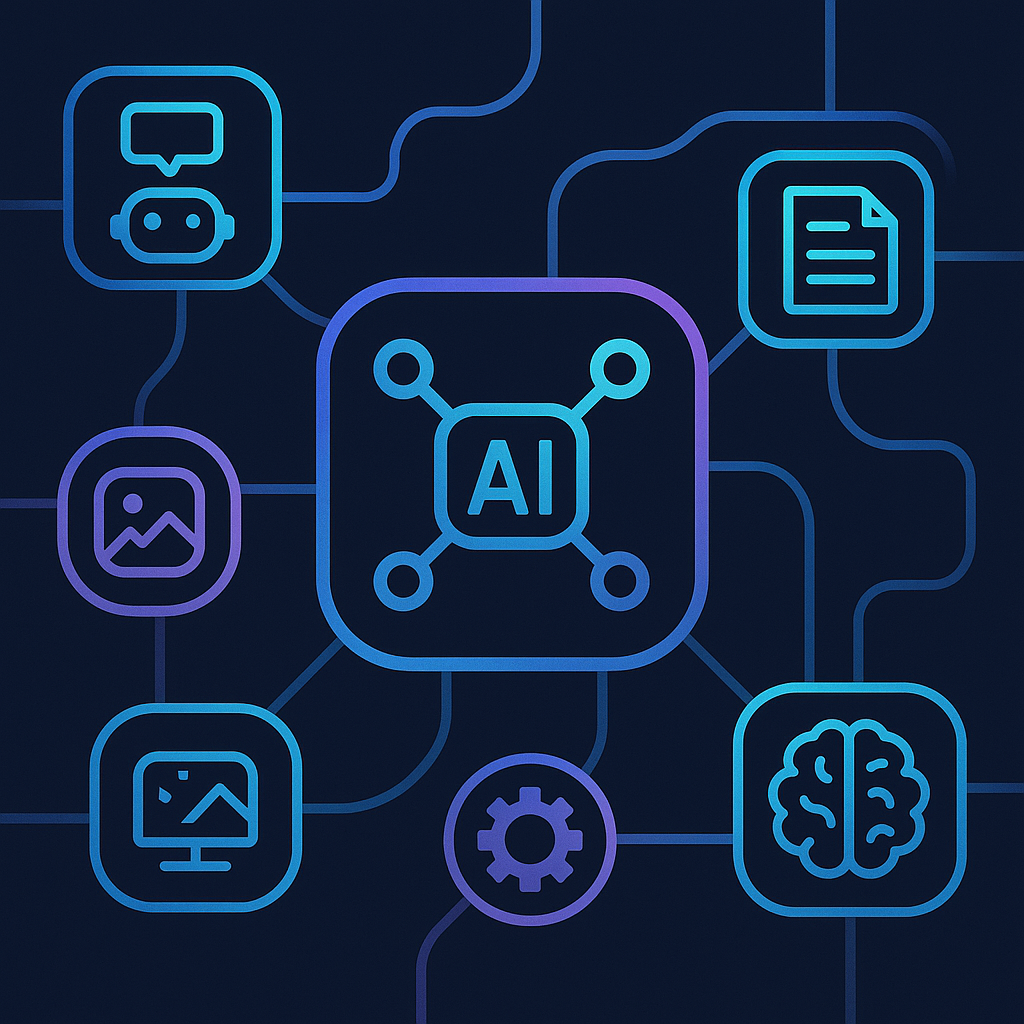
Why You Need to Connect Your AI Tools
Using AI separately is like having a brilliant team that never communicates.
When connected, though, they become an unstoppable force:
| Process | Disconnected Tools | Connected AI Flow |
|---|---|---|
| Writing | ChatGPT only | ChatGPT → Make.com → WordPress |
| Design | Canva alone | ChatGPT → Ideogram → Canva |
| Reports | Manual research | Perplexity AI → ChatGPT → Gmail |
| Payments | Manual invoices | Stripe → ChatGPT → Notion AI |
Once linked, everything runs in sync — content is created, published, tracked, and even billed automatically.
Step 1 — Choose Your Core AI Tools
A solid AI flow starts with a clear structure. These are the core AI tools I use every day to keep my business running automatically:
| Function | AI Tool | Role |
|---|---|---|
| Writing | <a href=”https://chat.openai.com/” target=”_blank” rel=”noopener noreferrer”>ChatGPT</a> | Writes emails, blogs, and reports |
| Workflow automation | <a href=”https://www.make.com/en” target=”_blank” rel=”noopener noreferrer”>Make.com</a> | Connects all AI tools together |
| Research | <a href=”https://www.perplexity.ai/” target=”_blank” rel=”noopener noreferrer”>Perplexity AI</a> | Finds and summarizes data |
| Design | <a href=”https://ideogram.ai/” target=”_blank” rel=”noopener noreferrer”>Ideogram AI</a> + <a href=”https://www.canva.com/magic-studio/” target=”_blank” rel=”noopener noreferrer”>Canva Magic Studio</a> | Creates visuals automatically |
| Planning | <a href=”https://www.notion.so/product/ai” target=”_blank” rel=”noopener noreferrer”>Notion AI</a> | Organizes and tracks progress |
| Billing | <a href=”https://stripe.com/” target=”_blank” rel=”noopener noreferrer”>Stripe</a> | Sends invoices and manages payments |
Once these tools are linked, your system becomes a fully automated AI ecosystem.
Step 2 — Start with One Simple AI Flow
Don’t overcomplicate it.
Start small — connect just two tools and expand from there.
Example: AI Blog Flow
- ChatGPT writes a blog draft.
- Make.com formats it automatically.
- WordPress publishes it.
- Perplexity AI collects analytics and sends a weekly report.
| Step | AI Tool | Result |
|---|---|---|
| Writing | ChatGPT | Full article |
| Automation | Make.com | Auto-format & post |
| Analytics | Perplexity AI | Weekly data summary |
This basic setup already saves 4–5 hours weekly — and it runs even when you’re offline.
Step 3 — Add Visual AI Tools
To make your system more complete, integrate AI design tools.
I use Ideogram AI to generate graphics and Canva Magic Studio to finalize layouts.
Example Workflow:
– ChatGPT → Generates image prompt.
– Ideogram AI → Creates visuals.
– Canva → Adds branding & exports design.
– Make.com → Uploads automatically to your blog or social media.
| Task | Tool | Automation |
|---|---|---|
| Create prompt | ChatGPT | Auto |
| Generate image | Ideogram AI | Auto |
| Brand design | Canva Magic Studio | Auto |
| Upload | Make.com | Auto |
You go from “idea” to “published visual” in under 10 minutes — without opening Photoshop.
Ideogram AI
Canva Magic Studio
Step 4 — Automate Communication
AI isn’t just for production — it can handle communication too.
Example: Client Response Flow
- Client fills out a contact form.
- Make.com sends the info to ChatGPT.
- ChatGPT writes a polite reply.
- The message is sent automatically via Gmail or Slack.
- Notion AI logs the interaction.
| Tool | Function | Time Saved |
|---|---|---|
| ChatGPT | Write email | 30 min/day |
| Make.com | Send automatically | 15 min/day |
| Notion AI | Log message | Auto |
Result: clients receive replies instantly, even when you’re asleep.
ChatGPT Official
Make.com Official
Step 5 — Sync Payments and Reports
A true “AI flow” handles not only communication but also money.
Here’s how my billing system works:
– Stripe sends invoices automatically.
– ChatGPT generates confirmation emails.
– Notion AI tracks payments and client data.
| Task | AI Tool | Status |
|---|---|---|
| Invoice | Stripe | Auto |
| Payment email | ChatGPT | Auto |
| Record keeping | Notion AI | Auto |
No spreadsheets. No reminders. Just smooth, smart automation.
Step 6 — Let AI Run Research and Optimization
Your system should improve itself over time.
That’s where Perplexity AI comes in — it collects insights and tracks performance automatically.
Example:
Every Sunday night, Perplexity AI gathers SEO metrics and audience data.
ChatGPT AI writes a summary, and Make.com sends it as a report to my inbox.
| Tool | Task | Frequency |
|---|---|---|
| Perplexity AI | Gather data | Weekly |
| ChatGPT | Write summary | Weekly |
| Make.com | Send email | Weekly |
Now your AI system learns from itself, adapting each week.
Step 7 — Expand Your AI Ecosystem
Once you master the basics, integrate new tools to enhance your automation flow:
- Tidio AI Chatbot → Customer support 24/7
- Pika Labs → AI video creation
- ElevenLabs → AI voiceovers
- Zapier or n8n → For extra app connections
These tools plug into Make.com easily, scaling your AI infrastructure.
Real Example — My Full AI Flow
| Category | Tools Used | Runs Automatically |
|---|---|---|
| Content creation | ChatGPT + Make.com + Perplexity AI | ✅ |
| Visual design | Ideogram + Canva | ✅ |
| Reports | Perplexity + ChatGPT | ✅ |
| Client replies | ChatGPT + Make.com + Notion AI | ✅ |
| Billing | Stripe + Notion AI | ✅ |
This setup saves me 10–12 hours weekly and runs 24/7 — no manual supervision required.
Benefits of a Unified AI Flow
| Benefit | Impact |
|---|---|
| Time efficiency | Save 10+ hours per week |
| Consistency | No missed steps or delays |
| Scalability | Add new tools easily |
| Reliability | Works 24/7 automatically |
When all your AI tools work as one, your business becomes faster, smarter, and nearly self-sufficient.
The Reality — It’s Not About Tools, It’s About Flow
Most people get lost in apps.
But the real advantage is connecting them in a flow — where output from one AI becomes input for another.
You don’t need 20 apps. You just need a system that thinks for itself.
Automation isn’t the future — it’s now.
Conclusion
Connecting all your AI tools into one powerful flow is like building your own invisible team.
Once it’s running, everything — from content to cash — moves automatically.
Start small, link two tools, and keep expanding.
Soon, your AI system won’t just assist you — it’ll become your entire workflow.
Further reading: